10.25.0Aug 31, 2026
RameaA Revamped Connectors Page
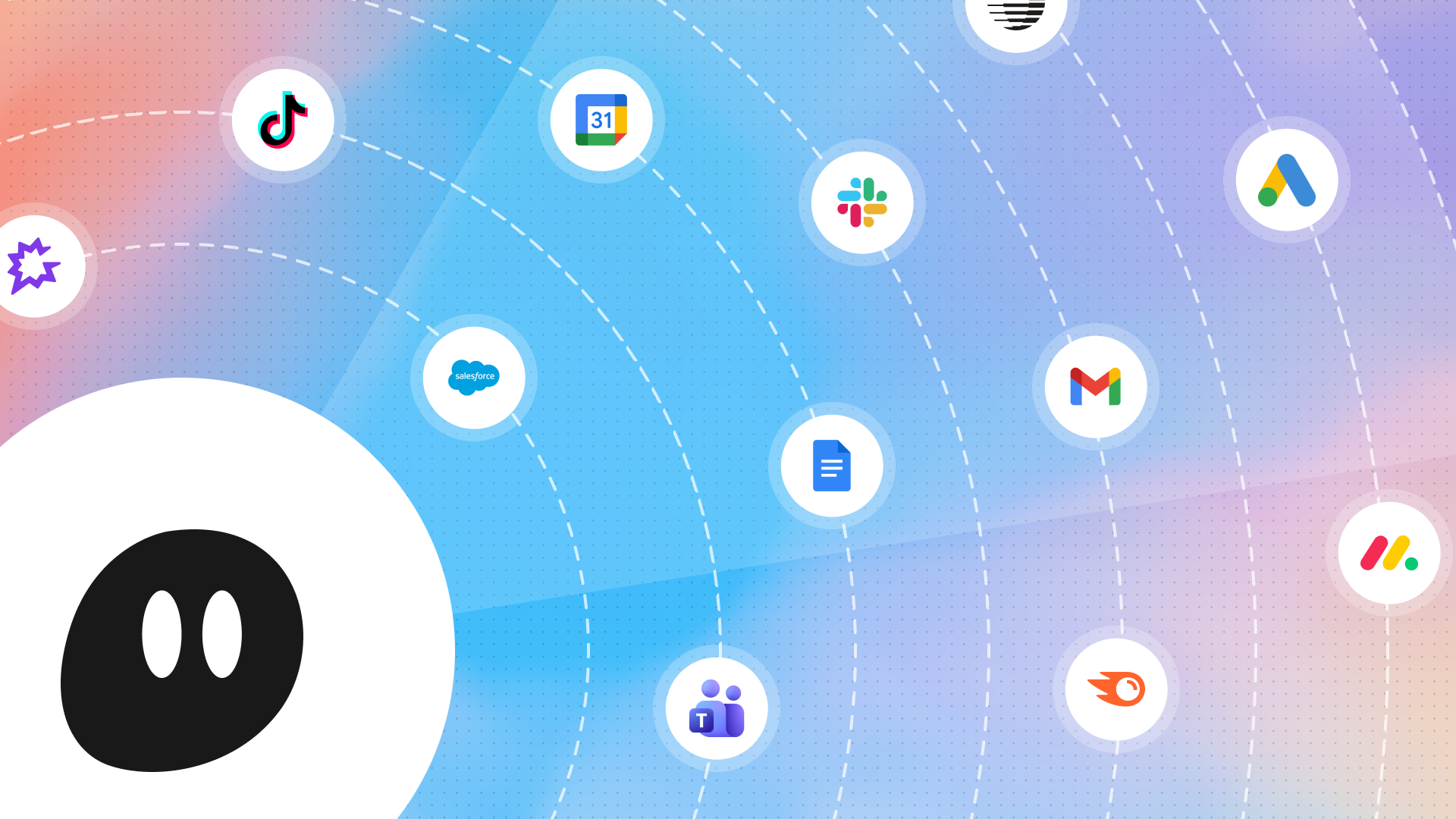
The connectors page got a full revamp. Browse connectors by category, open one to see its tools and recent usage, and connect your account right in the dialog. Connectors with more than one way to connect now show every option in one place.
Zip MCP
Agents can now work with Zip. Create and track procurement requests, check approvals, and look up vendors and spend from chat.
Learn moreElevenLabs MCP
Agents can now generate audio with ElevenLabs. Turn text into natural-sounding speech mid-run, like narrating a report or drafting a voiceover.
Learn morePlatform Improvements
- You can now ask an agent for a webhook trigger's URL in chat and copy it right from the conversation.
- The agent header now has a quick-actions menu, so you can manage the agent from inside the chat.
- Agents with emoji icons now use that emoji as the browser tab icon, and tab icons show up properly in dark mode.
- Chats started from Slack or a trigger now update live while the agent works.
- Artifact pages now load much faster.
- Agent data exports can now include folder fields.
- External MCP servers that use public OAuth clients can now connect. The client secret is optional when the server supports PKCE.
MCP Improvements
- Salesforce: Running a report is now treated as read-only, so it no longer asks for write approval.
Bug Fixes
- Fixed connectors showing as connected when they weren't, on the chat connect card and for Custom Slack App accounts.
- Fixed subagent panels opening blank, subagent cards showing Stopped after a resume, and subagent approval cards disappearing while still pending.
- Fixed background chats cutting off the open chat's stream.
- Fixed agents on OpenAI models failing with frequent tool errors.
- Fixed agent-owned credentials not working for agents running in Slack.
- Fixed SCIM provisioning skipping users who were active in your identity provider but missing from the organization.
- Improved the error message when a team hits its model provider spend cap.